
Desktop platform
A full workspace for chart analysis, order management and detailed account monitoring.
- Suitable for extended research sessions
- Multi-chart workspace support
- Installation guidance included
Review available software, choose the right device version and follow a structured installation process before signing in to your trading account.
Always confirm compatibility and account conditions before installing trading software.
Choose your access method
Available features may differ by broker, account type, operating system and region. Review the relevant product page before proceeding.
A full workspace for chart analysis, order management and detailed account monitoring.
Monitor markets, review positions and access essential account features while travelling.
Access a browser-based workspace without installing a complete desktop application.
Available resources
Open a product page to review its description, compatibility information and the latest available instructions.
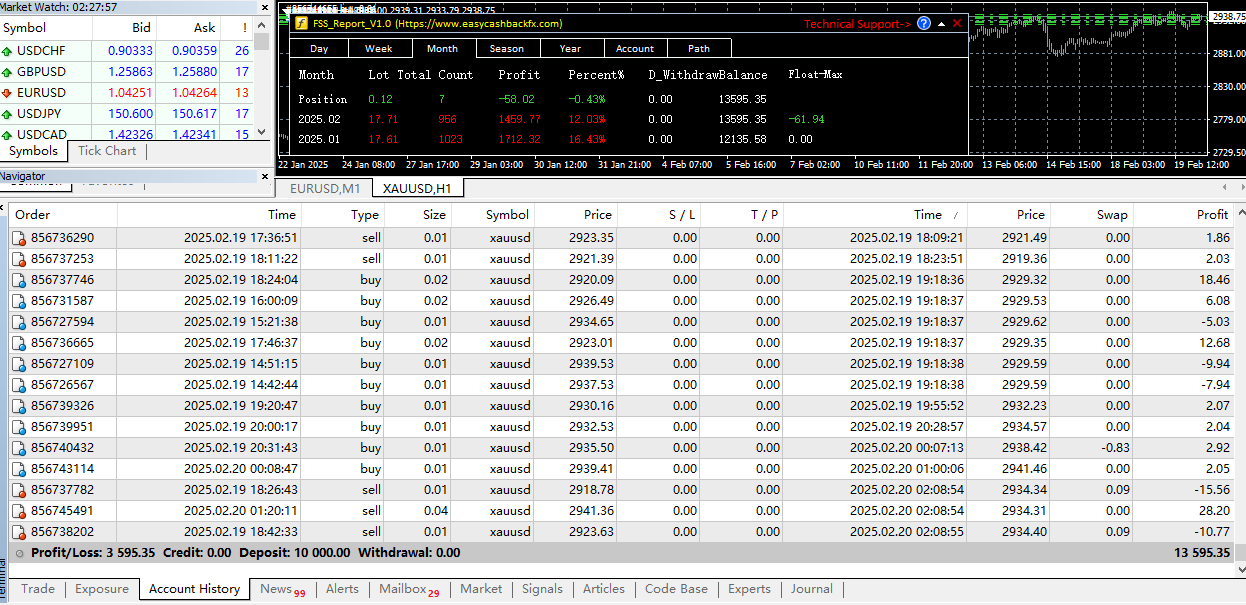
In the fast-paced and constantly evolving financial markets, traders are...
View Download Details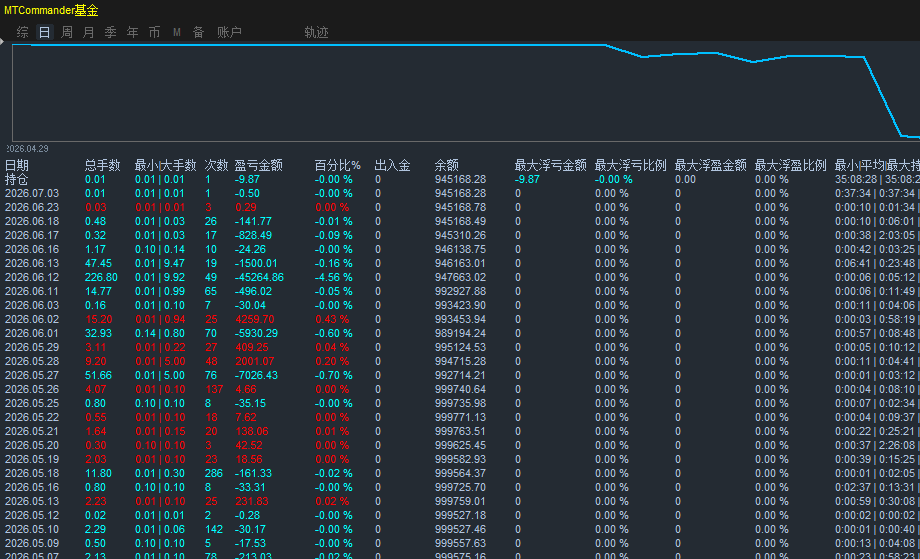
MTCommander Profit & Loss Statistics Indicator Overview Platform: MetaTr...
View Download Details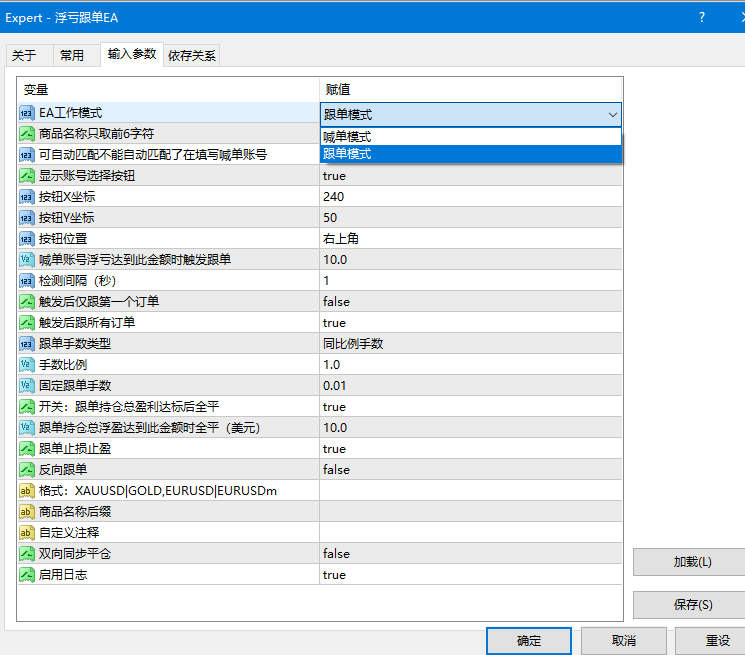
1. EA Overview ---------------------------------------------------------...
View Download Details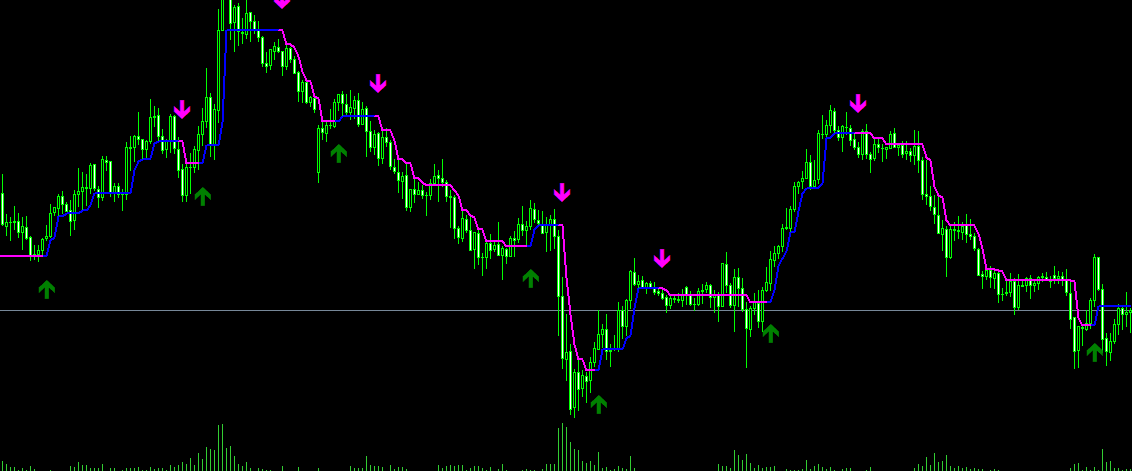
HalfTrend is a trend-following indicator displayed on the main chart win...
View Download Details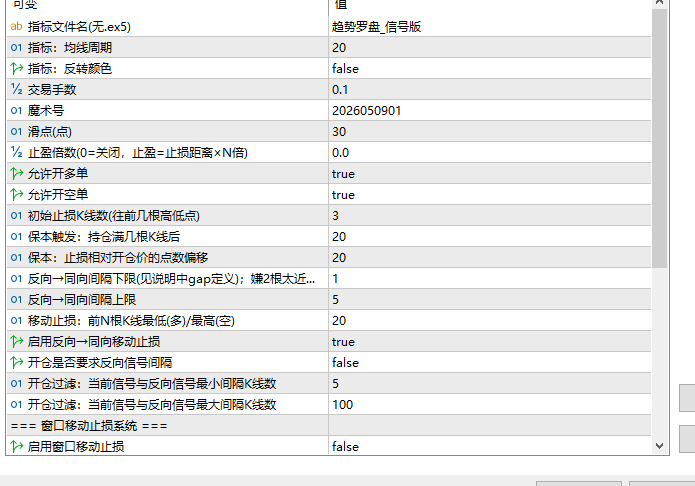
InpIndicatorName Default: Trend Compass_Signal Edition. The indicator fi...
View Download Details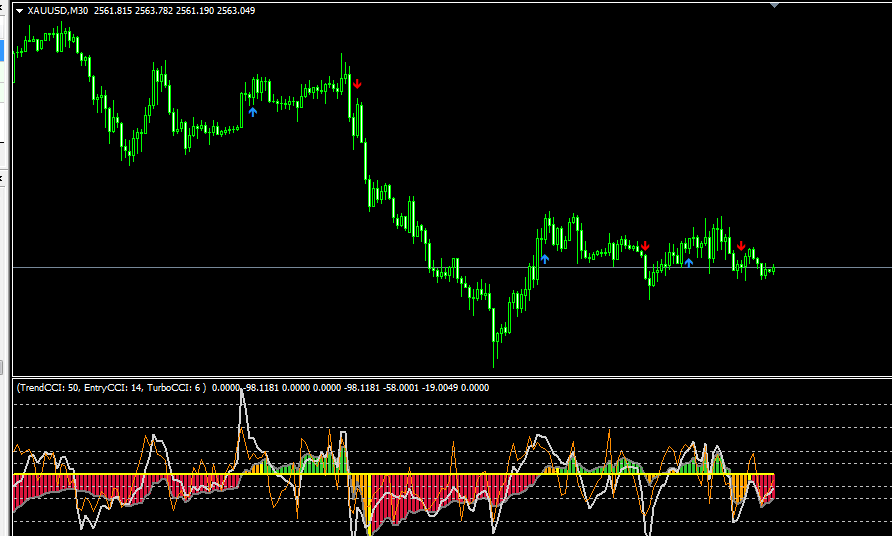
Trend 1 Indicator is designed specifically for moving average crossover ...
View Download DetailsFour-step setup
Use this checklist to reduce avoidable setup problems and confirm that you are using the appropriate software version.
Confirm your operating system, storage availability, internet connection and supported device version.
Choose the desktop, mobile or browser option that matches your intended trading routine.
Follow the displayed instructions, review permissions and avoid unverified third-party installation files.
Use the correct server and account credentials, then check whether market data and account details load properly.
Safer setup habits
Software access should be treated as part of account security. Verify the platform source, protect credentials and keep your device software current.
Download FAQ
These general answers are educational. Product availability and technical requirements may vary.
Choose the version built for your operating system and device. Desktop software may suit detailed analysis, while mobile and web access can be more convenient for monitoring.
You may be able to install software before opening an account, but account credentials are normally required to access trading and account-specific services.
Check your internet connection, account credentials and selected server. If the issue continues, use the official support contact associated with your account provider.
This depends on the platform and account provider. Many services support access across multiple compatible devices, but you should verify the applicable terms and security requirements.
No. Trading software provides market access but does not remove financial risk. Consider your experience, objectives and ability to bear losses before trading leveraged products.
Ready for the next step?
Review broker conditions, understand the risks and open an account only when the service is appropriate for your circumstances.
Open Account